Send me details in a private message.
Hello,
I was curious whether you created the ai add-on for anki, if so this is the email I was intending to reach out to.
If you think you’re a solid developer in terms of ai we can discuss it further.
Send me a few availabilities?
Adam katz
I did not create the addon you are talking about.
You can see the list of addons i created here:
https://ankiweb.net/shared/by-author/1935872040
would you be available to meet this week?
Perhaps we can make the job work.
Adam
updated to 23.10
 assets. But there doesn’t seem to have a deck_backgrounds folder? I’ve attached some pictures below.


Also would there be an option to randomise any decks’ background? currently mine is just plain grey.
You will manually add a folder whose name will be exactly “deck_backgrounds” and in it you will insert an image with the name of the deck with the extension jpg.
There is currently no option for randomization. But you gave an idea…
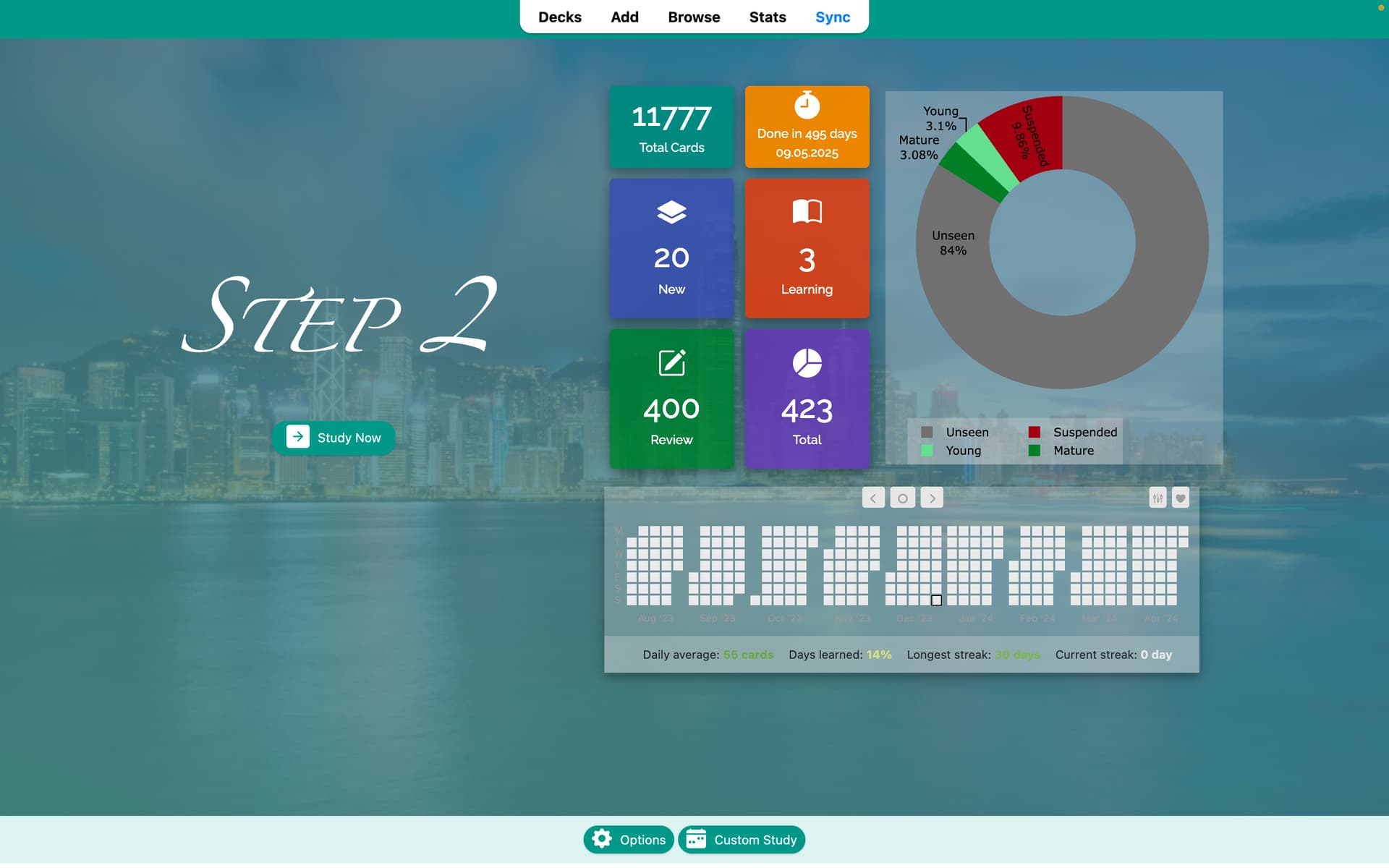

The background of the card is not related to the addon. There are other addons that do this.
Do you mind telling me what addons that can do this? The popular Custom Background Image and Gear Icon addon seems to clash with this addon, so I’m not sure which one I can go for.
I appreciate that if you ask here you will get a better answer.


For me it just changes when you click into another the deck, it just shows what’s the last deck you did. Caught me off guard the first time using too
hello, after the fsfp4 update the bottom bar of the review date seems to disappear, do you mind fixing it?
Yea it turns the last deck you did into white, making the text basically unreadable. Very strange bug. Not sure where to even start checking to fix it.
I’ll check it out in my free time. Thanks for the report.


Hi!
I was having the same problem, and after a bit of digging I found the solution.
So the code that configures that is inside the following file:
<add-on folder>\user_files\assets\css\deckbrowser.css
This is the code block that does that:
.current {
  background-color: rgba(231, 231, 231, 1);
}
You just need to either delete that block or comment it out (using /*Comment*/)