When in the browser its possible to select a card and change notetype:
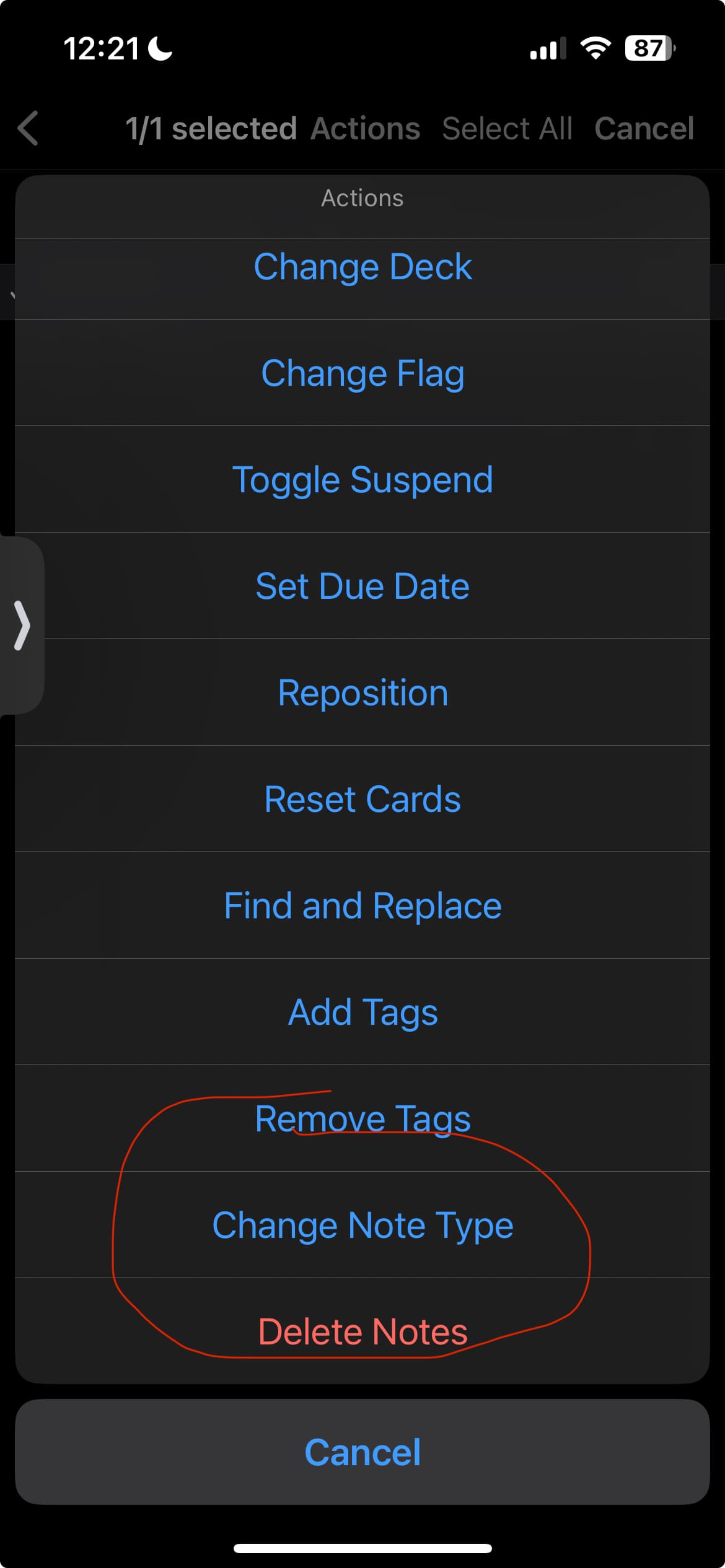
But when you are on the note edit screen and tap on tools its missing:
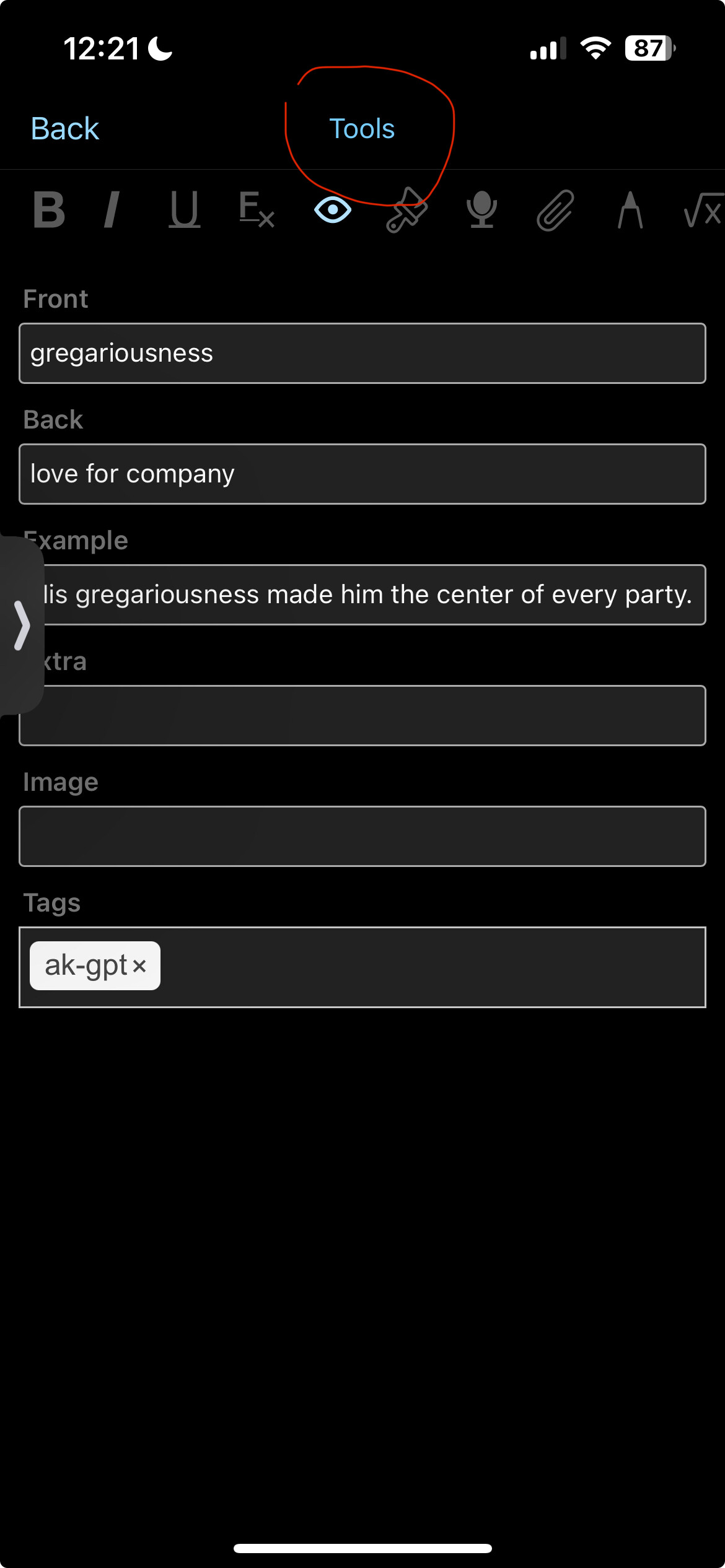

If it were under tools its just 3 taps to reach it through the browser you need to open browser search the card, enter, select card, action, and then change notetype which is 6 taps and then additional taps to find the card through typing in its contents.
Please add this function to the tools menu in the edit view. Its inconvenient to need to switch to the browser for each card right now. Thanks.
Or another option would be to put the change notetype function here:

At the same place it is when creating a new card:
