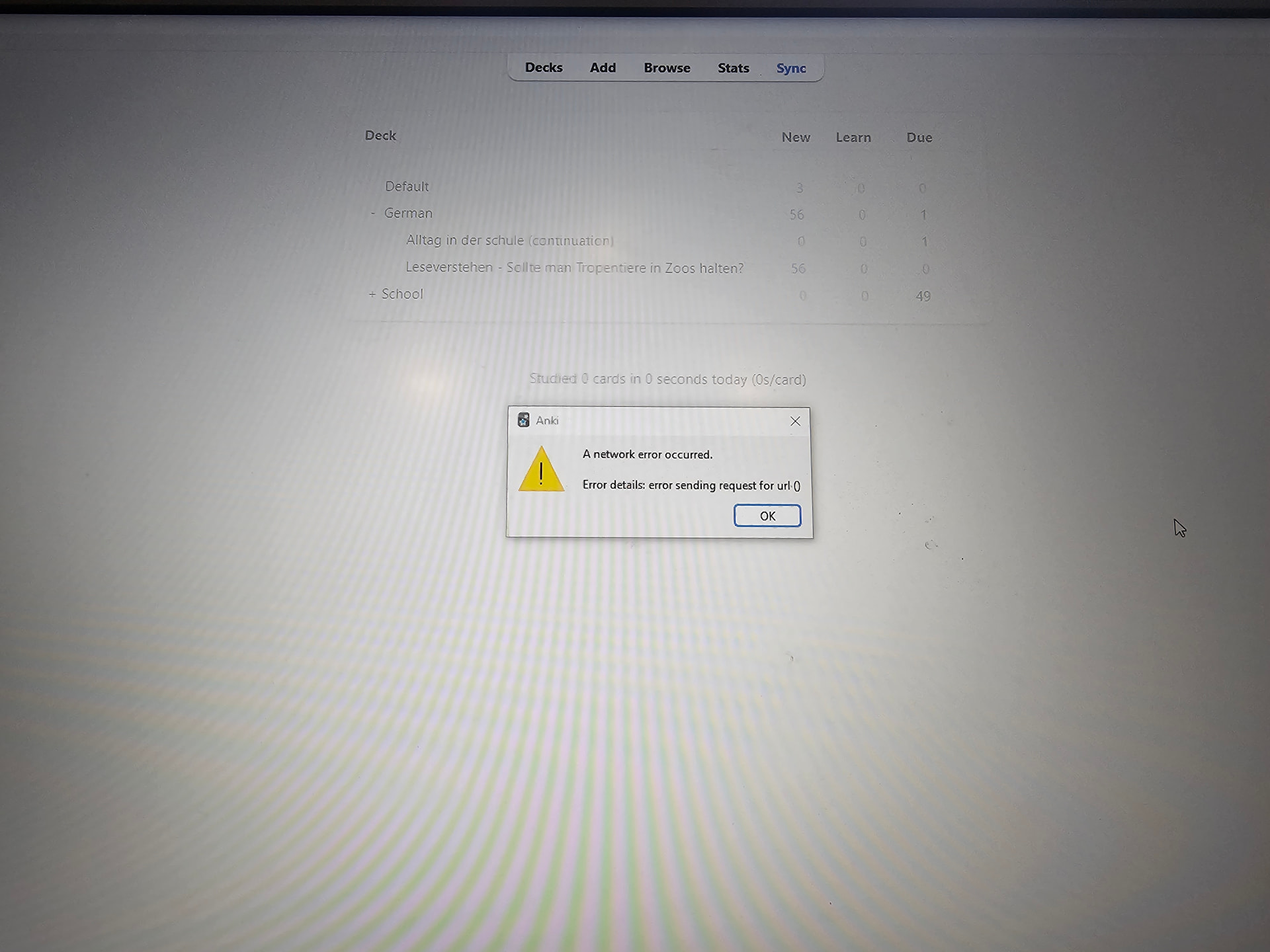
Hello. I am using the Anki more than two years and very glad of it. Week ago desktop client and ankidroid stops syncing to the ankiweb. I recheck my connection and try to install vpn connection to the ankiweb. After this ankidroid syncing fine but desktop not. I am updated the desktop version to last 25.09.2, recheck db and media files, turn off all add-ons, but it is not helped. I am steel have an excetion “error sending request for url()”. Updating console works fine, and I can connect to updating source.
What I can do in this situation?
Does anyone know the way to manually synchronize? There’s something similar in the settings, but I haven’t found an explanation on how to use it.
This is mine debug info from desktop client:
Anki 25.09.2 (3890e12c) (ao)
Python 3.13.5 Qt 6.9.1 PyQt 6.9.1
Platform: Windows-10-10.0.19045-SP0
===Add-ons (active)===
(add-on provided name [Add-on folder, installed at, version, is config changed])
Anki IPA - Add phonetic symbols Fixed by Shige [‘391848360’, 2025-08-29T06:51, ‘None’, mod]
AwesomeTTS - Add speech to your flashcards [‘1436550454’, 2025-08-16T04:02, ‘None’, mod]
Batch Download Pictures From Google Images [‘561924305’, 2025-06-21T21:15, ‘None’, mod]
===IDs of active AnkiWeb add-ons===
1436550454 391848360 561924305
===Add-ons (inactive)===
(add-on provided name [Add-on folder, installed at, version, is config changed])
Yes, it looks like this. I tried all variants from FAQ, after that AnkiDroid works fine, but desktop version not. The first time I have troubles to visit to the AnkiWeb site. I resolve it with vpn help. VPN also helped to AnkiDroid, but not for AnkiDesktop.
Currently, I started local synchronization build-in server and this is a workaround as well. But this is not very comfortable solution, because it works some more complicated than ordinary way.
May be Anki has any logs to understand that really happens? I have some experience in the .net programming (and yes, I understand difference with .net and piton ) and I can try to provide additional information about real situation, if it possibly.
Hello. I’m facing a similar problem as the author. I’ve tried everything (reinstalling, using a VPN, antivirus, firewall, and logging out), but nothing is working. I’m getting a 404 error on your link
As I wrote earlier, I have access from AnkiDroid under vpn from same wifi network, but not desktop version. I am use same vpn on both devices. May be, do you know some way to trace request for clarifying this situation? May be logs, or tracerout, or something else? I have some technical experience to investigate it from my side. Thanks for any proposals.
Yes, I saw that. That means you’ve narrowed down that it’s something else happening on your device, not something on your network. That’s where you should start looking.
Yes, that’s the “successful” result here (as explained in that other thread) – your device can reach the AnkiWeb servers in a browser. It seems that the sync is failing connect because something else on your device isn’t letting the Anki program reach the servers.
That error means your device can’t reach the AnkiWeb servers. The things you listed are the most likely on-device reasons – see: Error establishing a secure connection when syncing - Anki FAQs – so I don’t know why you don’t think it could be any of them. Other than that, it could be a problem with your internet connection or a regional internet outage (which usually passes with time).
Im upset as hell. I dont know what to do. Earlier I had the same error but without url thing. At first time on the new account everything works fine, problems start later. I think im gonna drop anki.
 ) and I can try to provide additional information about real situation, if it possibly.