Hello, I’ve encountered a problem that won’t go away. I can’t sync my Anki app with AnkiWeb. However, there are no issues with the AnkiDroid app. The error message says there’s a network connection problem, although that’s not true. I have internet access, and I’ve tried five servers in different countries. I also tried the app on Linux from another device, but the problem persists. The firewall is disabled. The app version is up-to-date. I’ll attach screenshots of the problem.

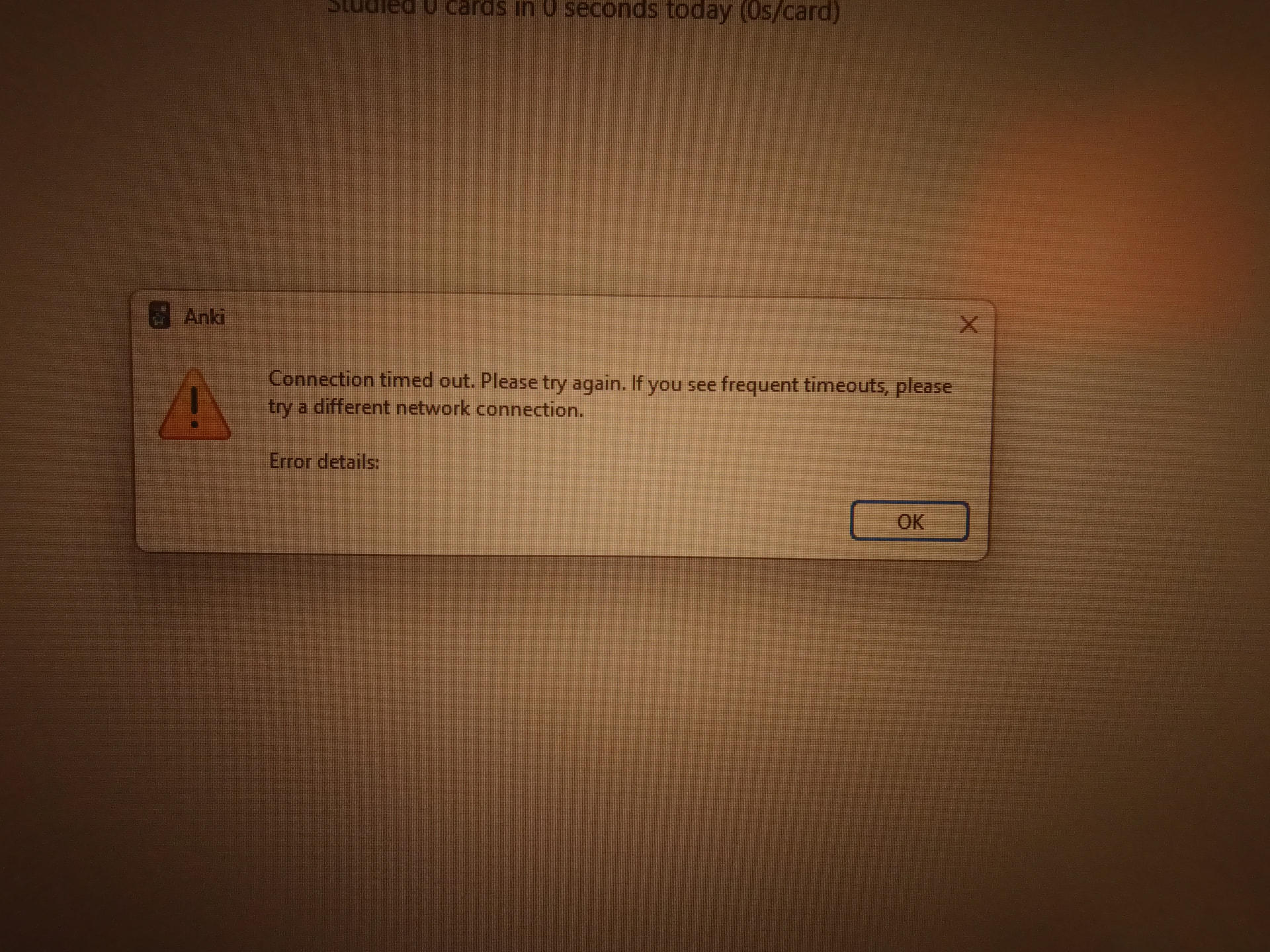
Does that mean you use a VPN? Does it also not sync if the VPN and firewall both are disabled?
Also see Syncing with AnkiWeb - Anki Manual and following for more info. E.g. you could check if you can access the links from the docs on your affected computer with e.g. ping sync.ankiweb.net (on linux).

$ ping sync ankiweb net
PING ankiweb net (162.55.238.74) 56(84) bytes of data.
64 bytes from sync1 ankiweb net (162.55.238.74): icmp_seq=1 ttl=56 time=67.3 ms
…
^C
-– ankiweb net ping statistics —
10 packets transmitted, 10 received, 0% packet loss, time 9009ms
rtt min/avg/max/mdev = 66.176/66.551/67.316/0.362 ms
(Removed links from the post)
Danika: But if that is the case, why would it work via ping and via AnkiDroid?
I’d like to apologize for my inattention. I connected to the server through a proxy, and Anki ignores system proxy settings.
If anyone else has the same problem, either your region is unavailable or you’re connected through a proxy!
Makes sense. Please mark your answer as an answer so that other people can easily find it.