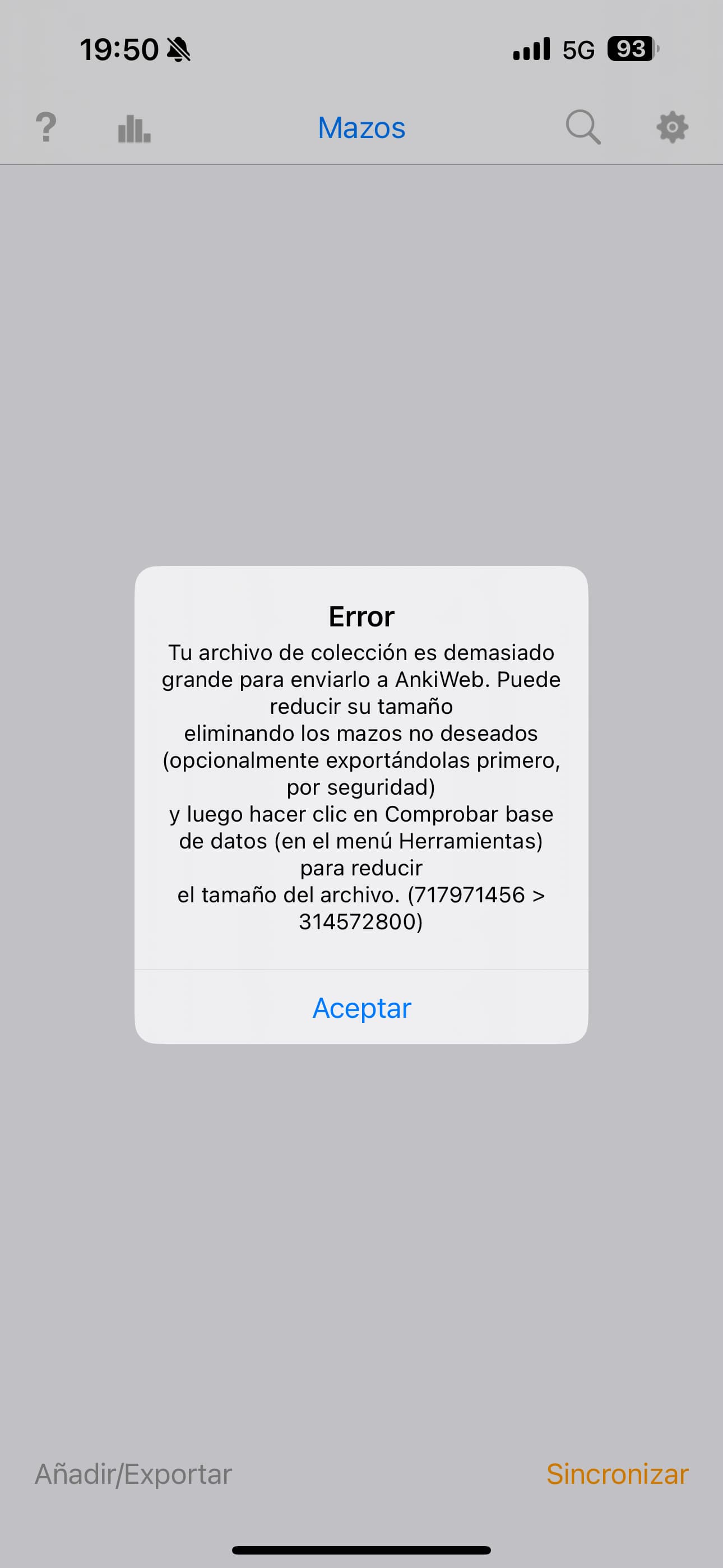
A new version of Anki was recently downloaded automatically to my iPhone 15 pro, and now I’m seeing the following error:
Error:
Your collection file is too large to upload to AnkiWeb. You can reduce its size by deleting unwanted decks (optionally exporting them first for safety), then clicking Check Database (in the Tools menu) to shrink the file size. (717971456 > 314572800)
I wasn’t getting this error before the update, and it’s now causing me a lot of problems.
You have hit the limit for how much data you can sync through AnkiWeb. As the error message said, you’ll have to delete some of your cards or their text content. The media files don’t count so you can keep them.
You’re getting that sync failure on your phone because the updated app moved the check for an oversized collection earlier in the syncing process. Prior to that fix, sync was sometimes too generous in allowing incremental changes when a collection was over the limit.
You might not be getting the error on other devices yet, but they will have the same problem, because your collection is more than double the collection-size limit. Where to look for the problem, and what to do when you find it: Constant Errors Uploading / Sync - #4 by Danika_Dakika .