Patch notes for v5.1
1. Fix for audio buttons on iOS/macOS
Because Apple browsers have no support for the CSS used in AnkiWeb audio buttons in v5.0, a separate script was added to patch the issue when necessary:
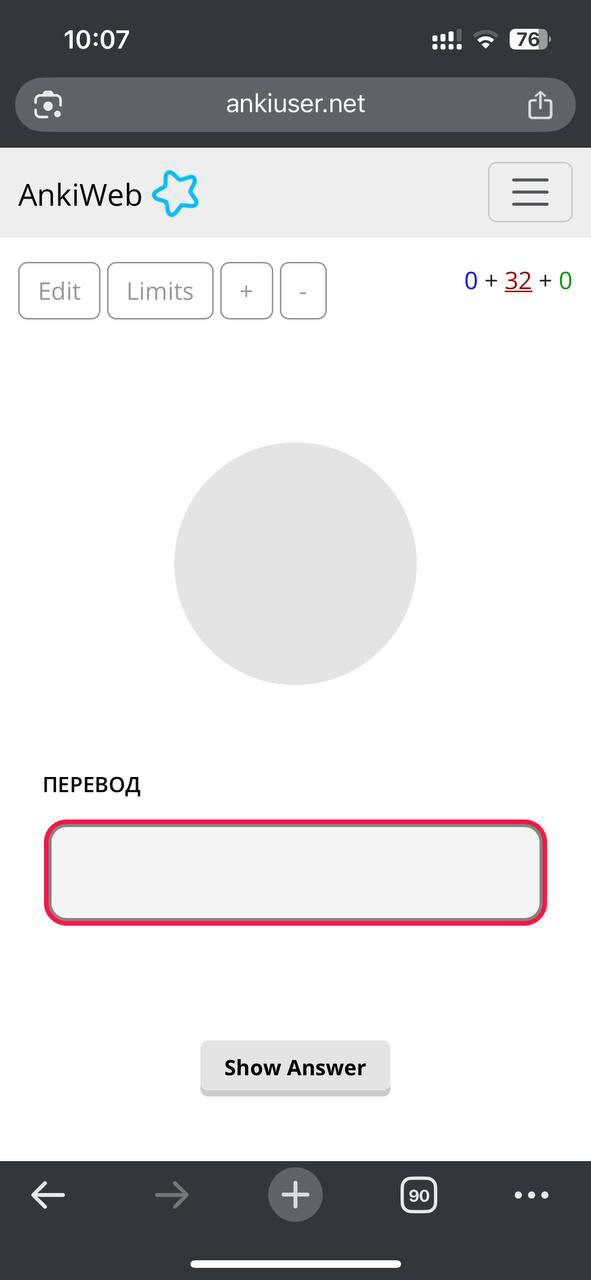

This should also prevent the same problem from occurring on AnkiMobile and the desktop mac app with buttons for external audio files.
2. Improved right-to-left text support
-
Added a dedicated style for right-to-left tapping cards:
To enable it, add a
dir="rtl"attribute to the<input>element on the front of the Card (or an"rtl"class to its.mem-typingcontainer element):... <input id="typeans" type="text" inputmode="text" autocorrect="off" autocomplete="off" autocapitalize="off" spellcheck="false" dir="rtl"> ... -
Similarly, for typing cards the right-to-left mode can be enabled by adding
dir="rtl"to the same<input>element (or by addingdir="rtl"to the.mem-typingcontainer instead to flip everything, including the label): -
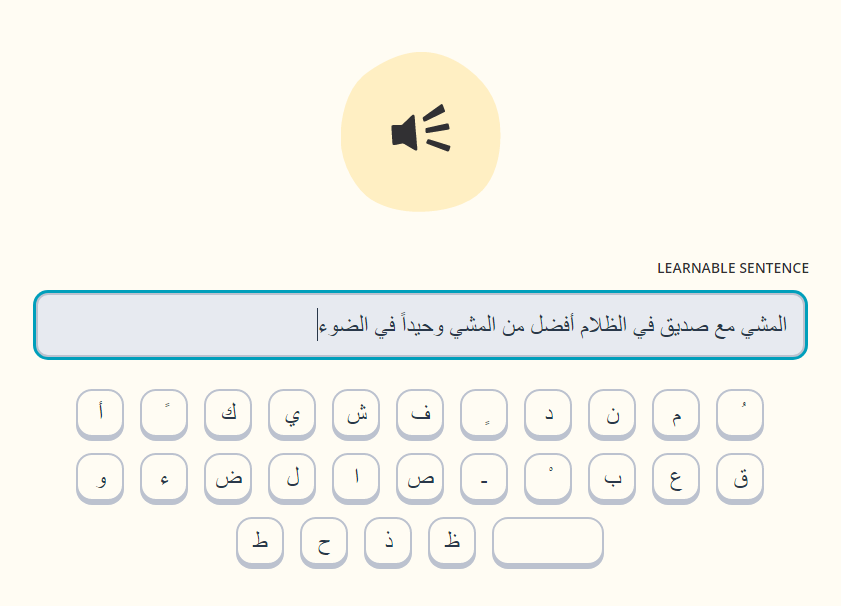
Note that because combining right-to-left characters with left-to-right text (including the source code for the template itself) is notoriously inconvenient, it is better to use Unicode HTML entities instead of explicit characters for setting up the onscreen keyboard. Here is a recommended setup for a full set:
ابةتثجحخدذرزسشصضطظعغػؼؽؾؿـفقكلمنهوىيًٌٍَُِّْThis should render the following when used as the
static keysset (any suggestions for improving the layout are welcome):


3. Empty answers now are always auto-rated as incorrect
This is to work better with the alternative answers, which makes it too easy to accidentally leave an empty alt in a field. Strings made of only spaces and other blank characters are considered empty as well.
4. AnkiWeb TTS
Not included in the template itself by default, but the following version of the script, which makes all text-to-speech fields automatically work in a web browser, can be added to “ user prior scripts ” section on the front of a Card (the backside will then include it automatically):
TTSRegex = /\[anki:tts([^\]]*)\]([^\[]*)\[\/anki:tts\]/g;

function parseTTSAttrs(attr_string) {
    const attrs = {};
    attr_string.trim().split(/\s+/).forEach(attr => {
        const [key, value] = attr.split('=');
        if (key && value) attrs[key] = value;
    });
    return attrs;
}

function awTTS(text, lang) {
  const utterance = new SpeechSynthesisUtterance(text);
  utterance.lang = lang;
  window.speechSynthesis.speak(utterance);
}

function sanitizeStr(str) {
    return str.replace(/['"]/g, "")
}

function TTS2asvg(htmlContent) {
  return htmlContent.replace(TTSRegex, (_, attr_string, word) => {
    const attrs = parseTTSAttrs(attr_string);
    const lang = attrs["lang"]?.replace('_','-') || "en-US";
    return `
      <a class="replay-button soundLink awtts" onclick="awTTS('${sanitizeStr(word)}','${sanitizeStr(lang)}')" href="../#">
        <svg class="playImage" viewBox="0 0 64 64" version="1.1">
          <circle cx="32" cy="32"></circle>
          <path></path>
        </svg>
      </a>
    `;
  });
}

document.querySelectorAll('.card-content').forEach(cont => cont.innerHTML = TTS2asvg(cont.innerHTML));