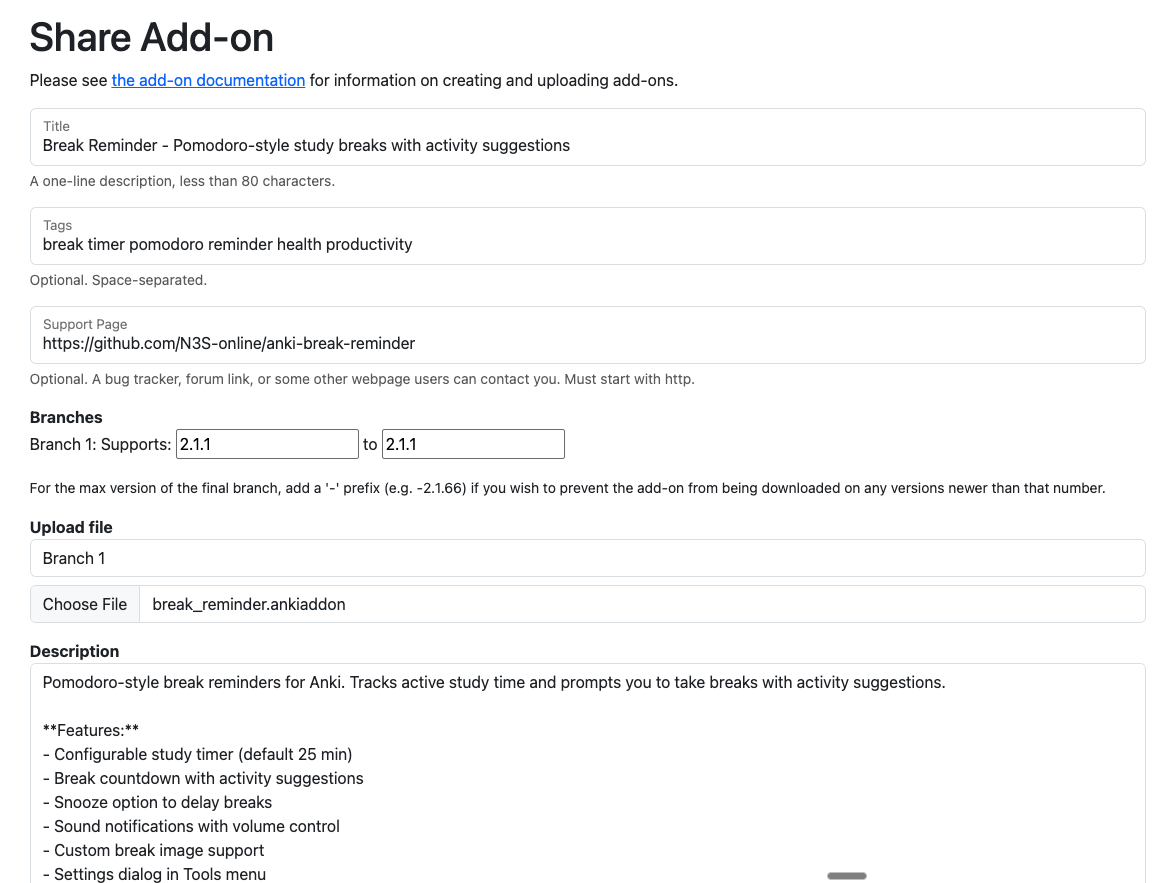
I made this add-on for my partner who is in medical school and I was trying to upload it to AnkiWeb via https://ankiweb.net/shared/upload but I keep getting a “try again later” error.
I am getting a 400 error from /svc/shared/upload-addon with no message except “try again later”.
The add-on file looks fine to me, also the AnkiWeb upload feature seems to be working normally.
If the Wi-Fi speed is slow such errors may occur during the process. If so you may need to try again repeatedly or switch to a different connection.
Occasionally the chosen file may not load properly. If so reselecting the file or reloading the page may resolve the issue.
There is a restriction preventing add-ons from being uploaded if the user’s account is too new, but in that case a different error should appear instead of a 400 so it doesn’t seem related.
Adding a manifest.json file makes it possible to distribute the add-on directly, it’s common when developers want to release a pre-release version. e.g.
Download the .ankiaddon file and open it with a double-click, or install it from the “Install from file” menu in the Anki add-ons management screen. (Please note that you cannot install the file by dragging and dropping it into Anki.)
I think they’re probably intentionally keeping it unclear, if the required number of days were known malicious developers could use that info to bypass the restrictions.
Danika_Dakika is the moderator and has already replied to you but they haven’t explained it so my guess is that it’s probably confidential and they likely won’t tell you.
According to other posts you could write @moderators a direct message. You can ask them to enable uploading addons for your account, even if your account is too new.
I’m here. Shige is right though – the requirements aren’t public because that would defeat their purpose. But they aren’t absurd or onerous, so it’s pretty easy for Anki-users to reach them. Until then, users will have to be satisfied with the built-in timebox functionality, and the several other pomodoro-type add-ons already available.
To be frank AnkiWeb add-ons have almost no promotional effect, according to my data typical add-ons only get tens to hundreds of downloads, many new developers get discouraged by this and abandon their projects. So distributing add-ons on SNS platforms like Discord or YouTube or reddit is more effective than using AnkiWeb, popular add-ons are recommended in the learning community.