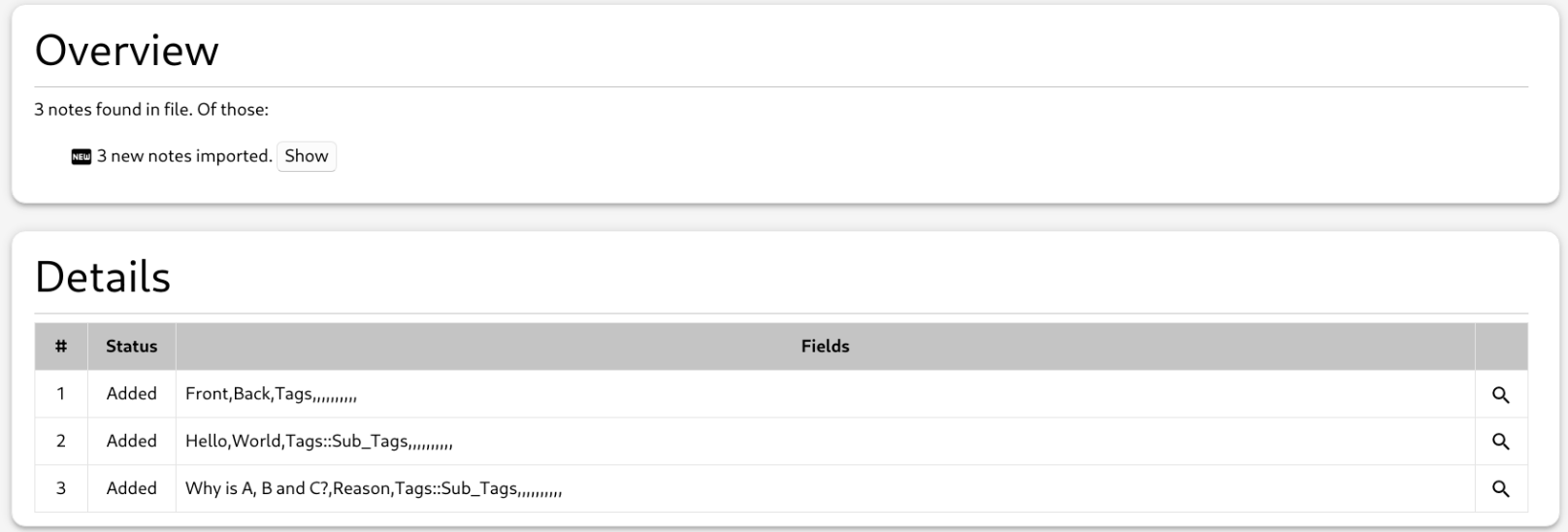
Backstory
I have a .csv file that contains all of the questions, answers, and other card content. I always imported this .csv file.
However, LibreOffice doesn’t remember the size of the columns if I edit a .csv, but it does work with .ods; since I frequently edit that file to add new cards and update others, having to resize all of the columns every single time I open LibreOffice gets a chore.
So I decided to just use a .ods instead and then convert it via LibreOffice to a .csv file. I don’t want to go through the trouble of having to navigate through the gui or even having to manually run a shell script; I want no additional work in my importing workflow. That is why I created an addon that converts the file for me, while also triggering the import in Anki.
My Issue
I do not know how to do the last step, which is actually getting Anki to import that .csv that I selected via my addon.
The addon currently can
- select my .ods,
- convert it to .csv,
- (here it should import, but I don’t know how),
- remove the generated .csv.
Advice is much appreciated!
The Code
## Python imports ##
import os                          # check file exists; delete file
import sys                         # workaround to get psutil import working
import subprocess                  # run binary from system path

# import psutil from src/vendor, as Anki otherwise cannot access it (it was
# not part of Anki's .venv, probably since
# https://github.com/ankitects/anki/commit/bedab0a54b89819933dd1605fce105d9b60f639b)
# It had been installed with `pip install psutil -t src/vendor/`
vendor_path = os.path.join(os.path.dirname(__file__), "src", "vendor")

if vendor_path not in sys.path:
        sys.path.insert(0, vendor_path)

import psutil                      # find soffice process

## Anki imports ##
from aqt import mw                 # MainWindow
from aqt.utils import showCritical # "show critical" dialog
from aqt.qt import *


def is_libreoffice_running() -> bool:
        for process in psutil.process_iter(['name']):
                if process.info['name'] and 'soffice' in process.info['name'].lower():
                        return True
        return False


def convert_ods_to_csv(input_file, outdir) -> str:
        if is_libreoffice_running():
                print("Y")
                subprocess.run(["soffice", "--convert-to", "csv", "--outdir",
                                outdir, input_file])
        else:
                print("N")
                subprocess.run(["soffice", "--headless", "--convert-to",
                                "csv", "--outdir", outdir, input_file])

        input_file_basename = os.path.basename(input_file)
        output_file_name = os.path.splitext(input_file_basename)[0] + ".csv"
        output_file_path = os.path.join(outdir, output_file_name)

        return output_file_path


def check_file_exists(input_file) -> bool:
        if os.path.exists(input_file):
                return True

        showCritical("Error: '%s' No such file or directory." % input_file)
        return False


def remove_generated_csv(input_file) -> None:
        if check_file_exists(input_file):
                os.remove(input_file)


def import_ods() -> None:
        file_path, _ = QFileDialog.getOpenFileName(
                parent=mw,
                caption="Select a ODS file",
                filter="ODS Files (*.ods)"
        )

        if file_path and check_file_exists(file_path):
                csv_file = convert_ods_to_csv(file_path, "/tmp/")
                # TODO: now import that csv_file into the anki collection
                print(csv_file)
                remove_generated_csv(csv_file)


def create_menu_entry() -> None:
        action = QAction("Import .ods", mw)
        qconnect(action.triggered, import_ods)
        mw.form.menuTools.addAction(action)


create_menu_entry()