If you are on 2.1.64 you should be good when I update FC2.
1 Like
I’m currently on 2.1.64 and was having the hint issue, but fingers crossed it’ll be fixed with the update. Thanks again
New version is up, let me know if it isn’t working for you.
Sorry to report I’m getting the following error upon opening Anki:

Flexible cloze 2 does not appear in the list of available note types.
$@#%. Ok, try updating again (Tools → Add-ons → Check for Updates).
Thank you so much! From what I can tell, hints are now working.
Side note, the search function doesn’t seem to capture all instances of the searched word. See below:


Note first ‘search’ is not highlighted.
It’s definitely not a major issue and the note type is already the best I’ve seen, but thought I’d let you know.
Will report back if I notice any other issues. Thank you again.
Thanks! It seems there was a < where there should have been a <=. I’ll put together an update along with another request.
Ok, update is out, let me know if there are any other bugs.
The search fix worked!
I have noticed a different issue. Clozes that I want to be shown when not active (using !), don’t render properly when they are the active cloze. There is an associated error in the bottom of the card. When they are the inactive cloze, they do render properly.
Note:

Card 3 (normal cloze works fine), front then back:


Card 1: (! cloze doesn’t render properly), front then back:


A similar problem occurs when the “reverse” expose option is set to true:


Thanks! Update that should fix this (error from earlier code refactoring) is up.

Thanks! I messed up when uploading the update file (uploaded the Override shortcuts file to Flexible cloze 2. Try Main→Tools→Add-ons→Check for Updates now.
Thank you! I haven’t noticed any bugs with this version.
Two questions:
-
For any long card where the page must be scrolled down to show the cloze, there is a very brief delay before the card jumps to the cloze. Is this delay intentional or does the process simply take that long? Is it possible to have the card instantaneously scroll to the active cloze?
-
When I press the ‘show all’ button, if there are many or long clozes preceding the active cloze, the active cloze can be pushed out of the field of view. Is it possible to program the show all button to reveal all other clozes while maintaining the active cloze at its current position on the screen? I have modified the Cloze (Hide all) note to behave this way, but your code is much more complex!
Would love to hear your thoughts. Thanks again.
Regarding scrolling to cloze delay: there is an intentional staggered requestAnimationFrame() call before scrolling:
    // Reveal finished content, remove placeholder and scroll to first active cloze
    this.content.style.display = 'block'
    document.getElementById('fc2-content-placeholder')!.remove()
    // Stacked requests as AnkiDroid takes a few frames to finish layout
    window.requestAnimationFrame(() =>
      window.requestAnimationFrame(() =>
        window.requestAnimationFrame(() =>
          this.scroll_to({scroll: this.cfg.scroll.initial})
        )
      )
    )
To calculate the offset correctly the page has to finish layouting, but for me the x3 is only a flicker on Windows and Android. What platform are you on? x3 is not needed on Windows but needed some of the time on AnkiDroid (I have no macOS or iOS to try on).
Regarding positioning of “show all”, at the moment there is no scrolling done, i.e. it is up to the WebView what to do, on Windows and Android it seems to keep the top of the screen in the same position (so if the active cloze is at the bottom of the screen it can get pushed out). It wouldn’t be hard to add some scrolling logic to “show all” however one needs to define what is logical when all active clozes won’t fit the viewport in combination with the different scrolling options ( none, context, context-top, context-bottom, center and min). Personally, I find the current solution the most intuitive but that’s just me.
- I use Windows and Ankidroid. I’ll see how often it’s an issue an Ankidroid if I remove the staggered code. I also wonder if there’s a way to specify staggering for Ankidroid and not for Windows.
- Got it, I’ll play with it some more, thanks!
Thanks again for everything.
I wanted to report back that after removing the repeated “window.requestAnimationFrame” code, the cards continue to auto-scroll correctly and instantaneously on both PC and Android. Perhaps mileage varies depending on Android device.
I’ve become used to your implementation of the positioning “show all” and agree that it’s quite intuitive.
I’ve noticed one more bug which isn’t relevant in every day use, but figured I’d report it. Nested clozes on the front-side are not displayed appropriately, showing “undefined”:

For card 1:

Clicking the cloze 1 results in:

Note “undefined”
Hitting show all results in:

Cards 2 and 3 function apppropriately
Compared to behavior for back-side of card 1:

Thank you again. I’ve converted my collection over to your card template and it’s been great!
Thanks, updated version with fix for the nested cloze hint being displayed as undefined.
Regarding the requestAnimationFrame; I think card length and complexity is the main issue for the number of animation frames required to correctly calculate the position to scroll to. One could make the number of animationFrames configurable - if the user experiences incorrect scrolling on long/complex cards they can then increase the number of frames.
1 Like
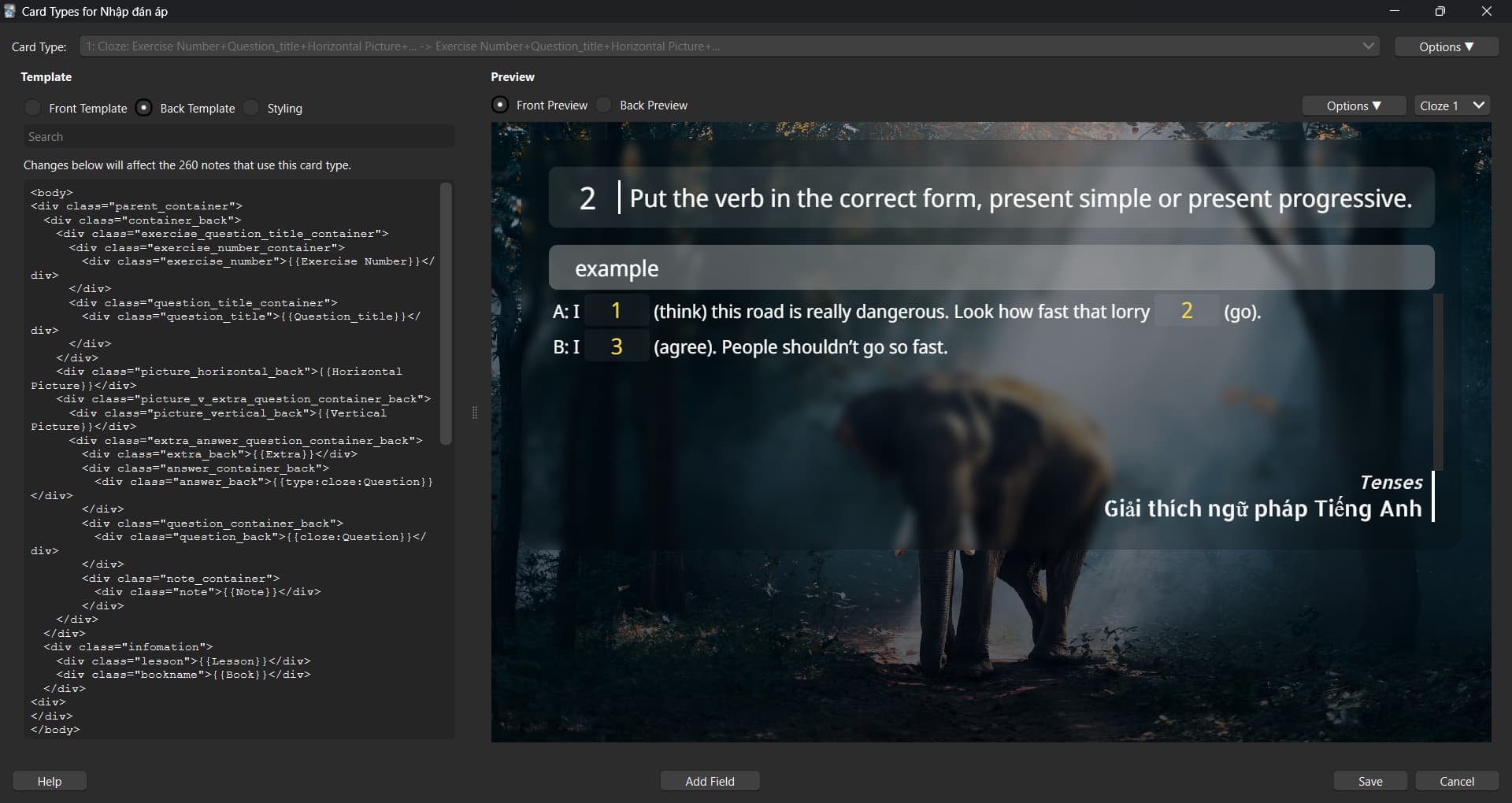
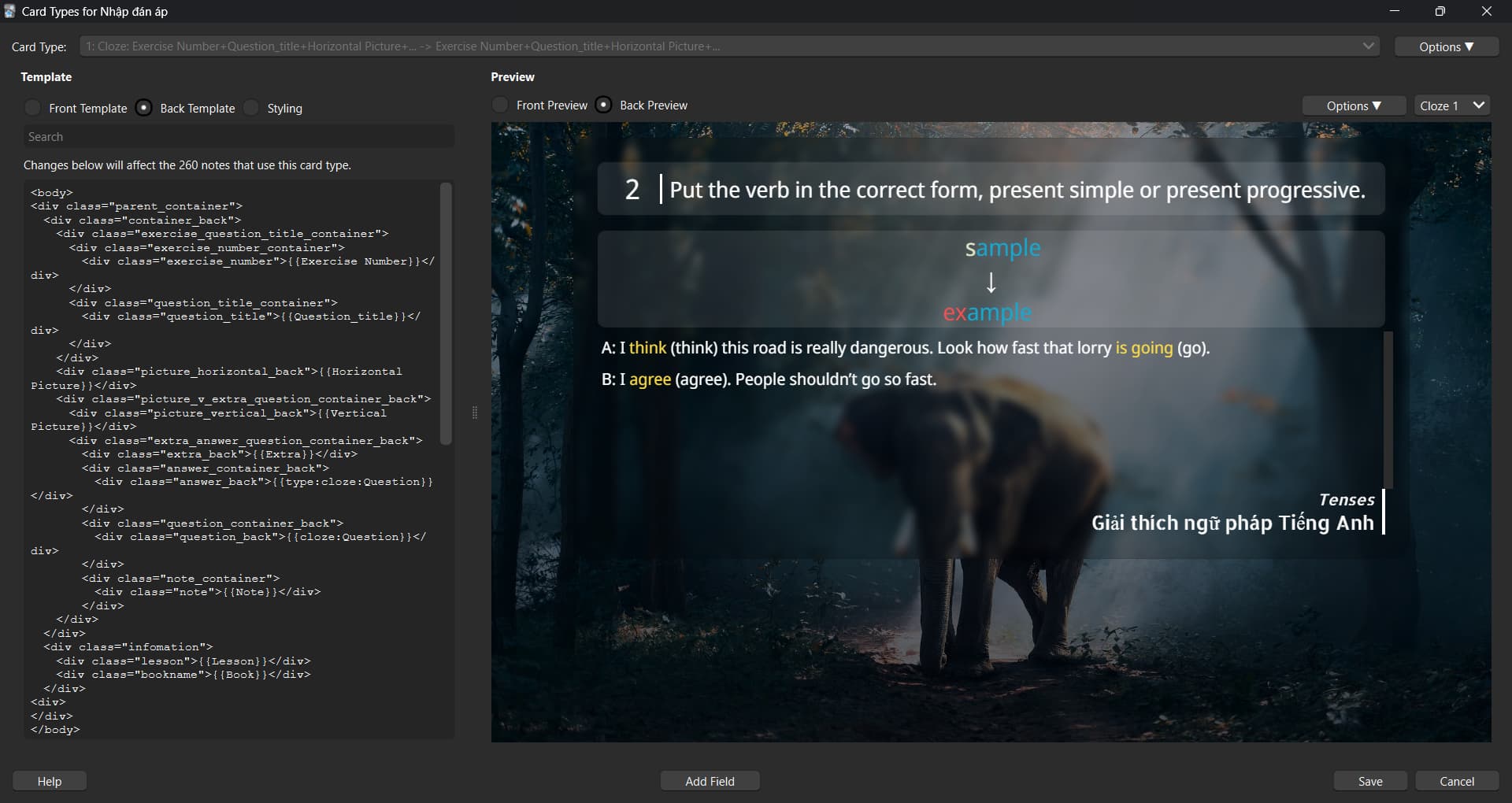
I have same idea with you. But I use js to replace .cloze with my own input boxes and put the result into the original input box.
Hi,
I am new to this forum so I hope I am using it right… I just wanted to ask, if I modify the fields of the Flexible Cloze 2 Template (eg. change the “Mnemonics” field into “Sources” or add another field for pictures), do the updates still work or will it not be supported anymore?
Thanks so much in advance and thank you for this great addon!
Hi, it’s been a while since this thread’s been active but I wanted to ask if there’s a way to make hyperlinks in the “additional” fields clickable?
Thank you! Have been using this card type for years now and they’re amazing.
EDIT: Nevermind, I found the line in the CSS that was doing this, thank you.